


Recommerx
TP5-35136 Optical Digital 3M Wired Gamepad for PS5 Slim Game Controller Joystick with Continuous Programming Back Key
TP5-35136 Optical Digital 3M Wired Gamepad for PS5 Slim Game Controller Joystick with Continuous Programming Back Key
Impossibile caricare la disponibilità di ritiro
SPECIFICATIONS
ABXY Switch Type: Membrane
Battery Included: No
Brand Name: SLINYA
Bumpers Switch Type: Membrane
Certification: CE
Color: black
Compatible: for PS5 PS5 Slim
Compatible Brand/Model: None
D-pad Switch Type: Membrane
Hall Effect: Yes
High-concerned chemical: None
Interface Type: USB
Joystick Sensor Module Brand/Type: POLYSHINE
Model Number: TP-35136
Origin: Mainland China
Package: Yes,retailing package
RGB lighting joysticks: Yes
Trigger Button Type: Hall-Linear
Type: Gamepads
Wear-resistant joysticks: No
TP5-35136 Optical Digital 3M Wired Gamepad for PS5 Slim Game Controller Joystick with Continuous Programming Back Key
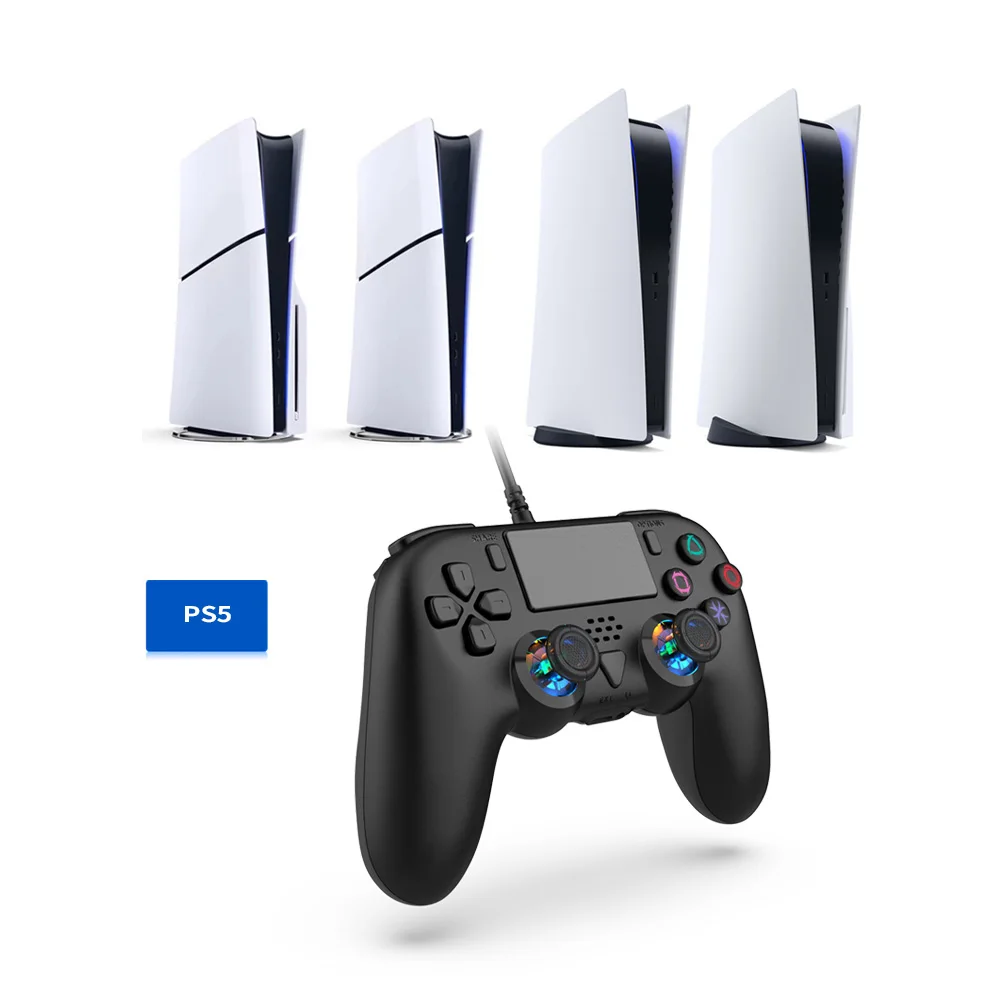
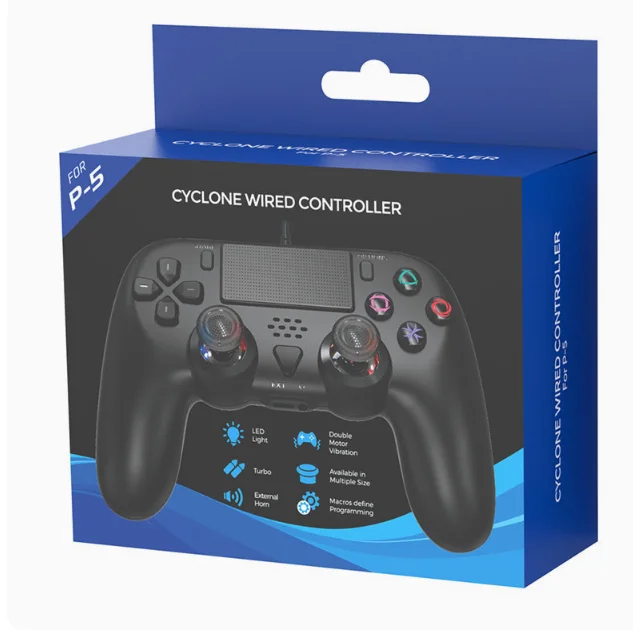
This product is suitable for PS5 and PS5 slim consoles, compatible with PC system adaptation for game operation, and supports any game version on PS5 consoles.
Product Features:
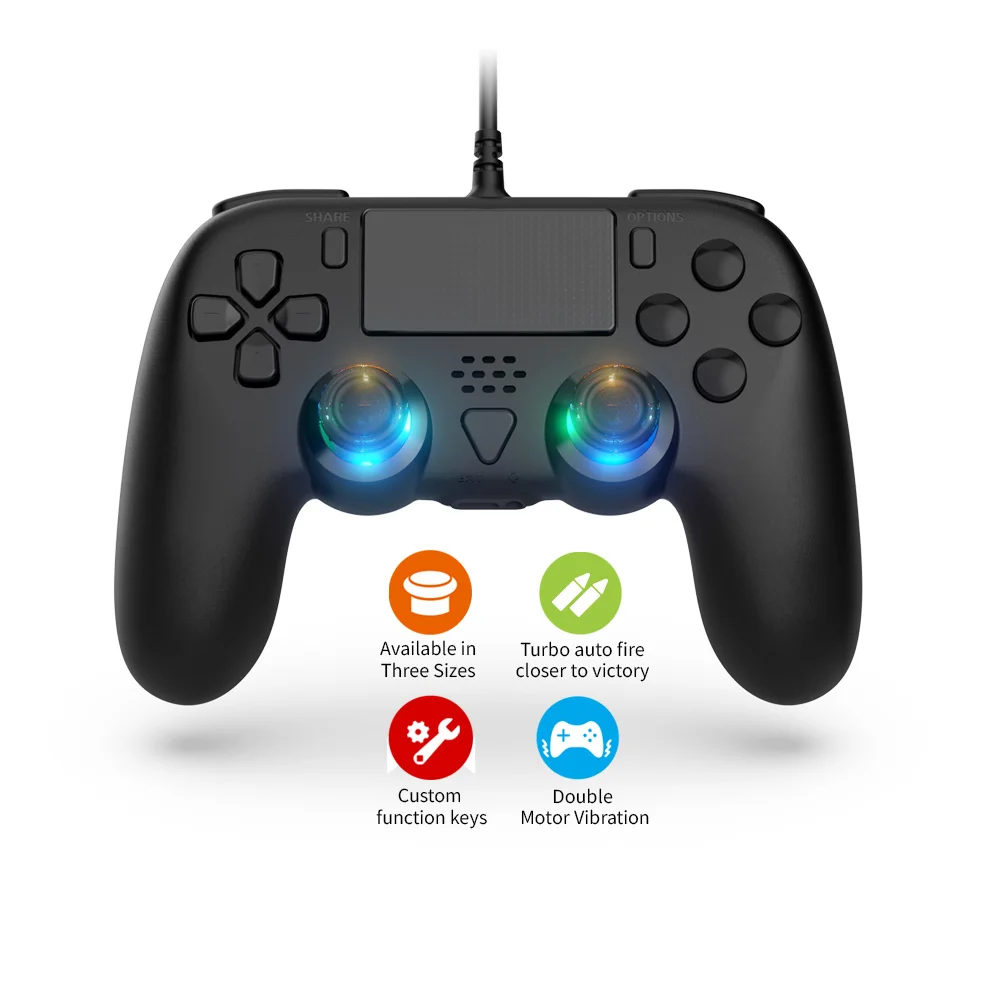
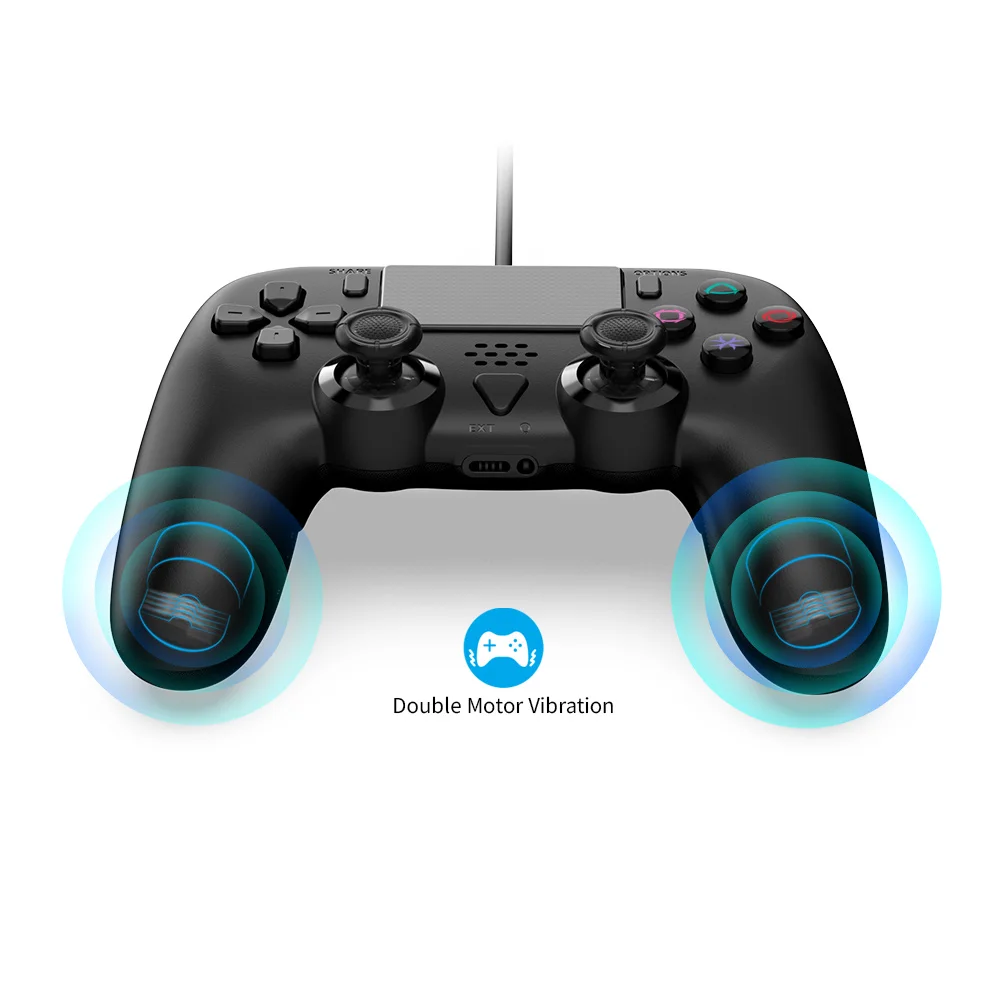
1. Support asymmetric dual motor vibration function.
2. Supports wired connections for PS5 host, PS5 slim host, and PC system.
3. Equipped with an external speaker and a 3.5mm headphone jack, the external speaker can clearly reproduce various sounds in the game scene, and the 3.5mm headphone jack can be inserted into the headphones to chat with friends online.
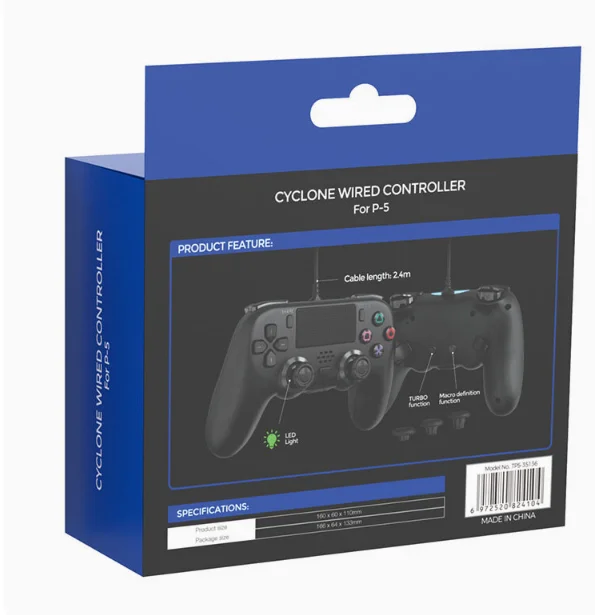
4. Support programming function, which can map and program frequently used action keys or combination keys to the back buttons, improving the gaming control experience.
5. Supports TURBO continuous transmission function, touch function, and six axis gravity sensing.
6. The handle design structure conforms to ergonomics and provides a comfortable hand feel during use.
instructions:
(1) Connect PS5 and PS5 slim hosts
1. Connect the host power, turn on the host, and enter the normal standby interface; Please set the communication method in the following way to avoid disconnection of the controller caused by incorrect settings: "Settings" → "Accessories" → "Controller (Universal)" → "Connection Method" → "Use USB Connection Cable"
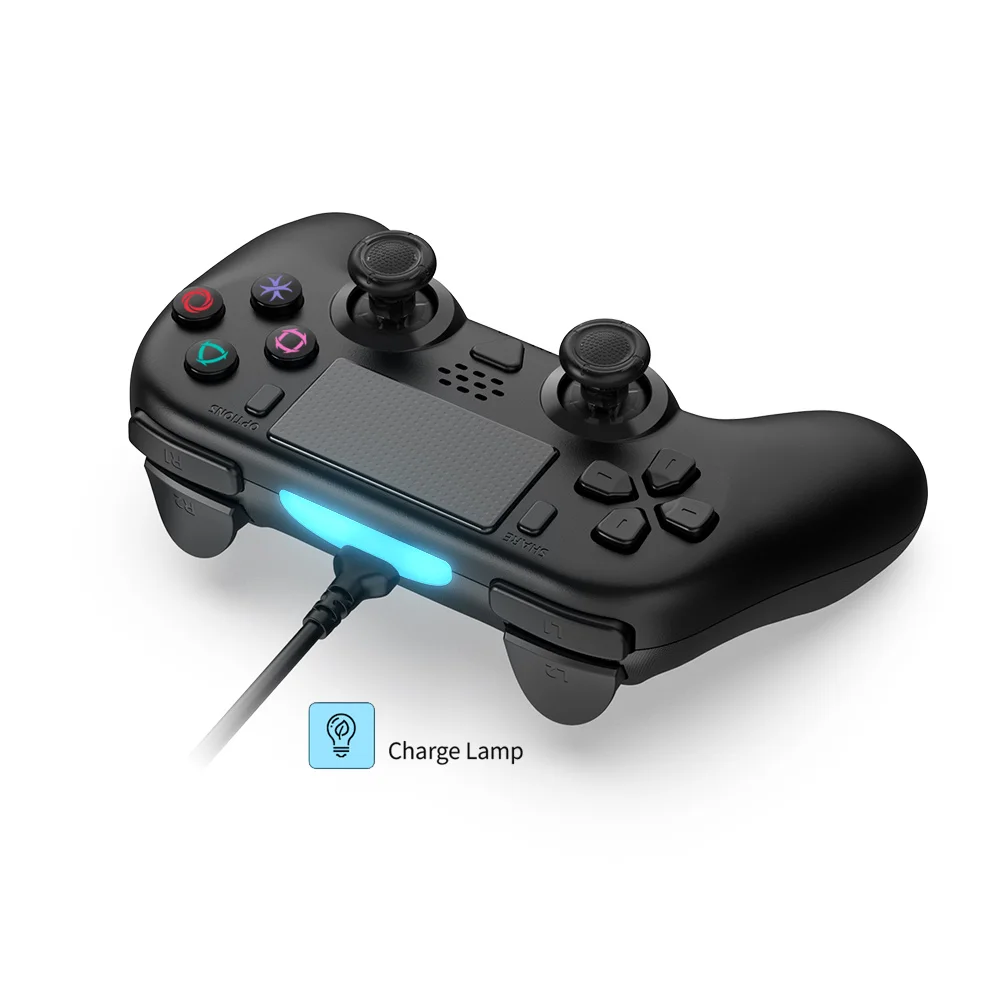
2. Insert the USB cable of the controller into the host and press the PS button (HOME button) on the controller to connect to the PS5 host. After successful connection, the blue light stays on.
3. The light bar at the front of the controller lights up, and pressing the function keys on the controller can control the game console, indicating that the controller is successfully connected.
4. In normal game operation, the controller will vibrate according to the game rules, and the controller uses a double-sided motor.
5. Video recording function: Double click the Share button to activate the screen recording function, and then double-click the Share button to stop it
6. Screenshot function: Long press the Share button to take a screenshot of the current interface.
7. If you need to use two controllers simultaneously, please use them separately on the front and rear USB PORTs of the host. If you use them on the front or rear USB PORT at the same time, one of the controllers may have abnormal headphone function.
8. To use the microphone function in the game, you need to wear headphones with a microphone connected to the 3.5mm headphone jack on the controller.
(2) Connect PC
Plug and play when connecting to a PC computer. You can play games on PC/Steam that are compatible with this controller.
Package included:
1 x Gamepad
Product Photos:
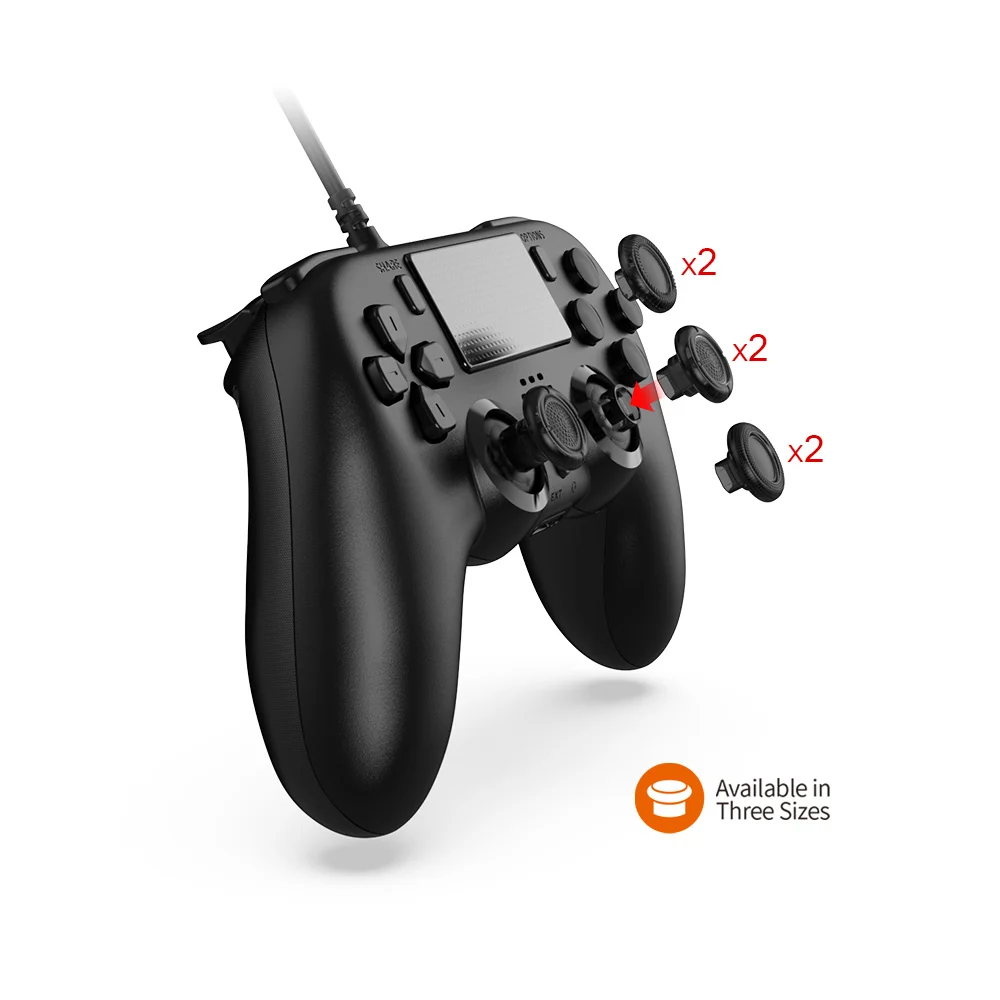
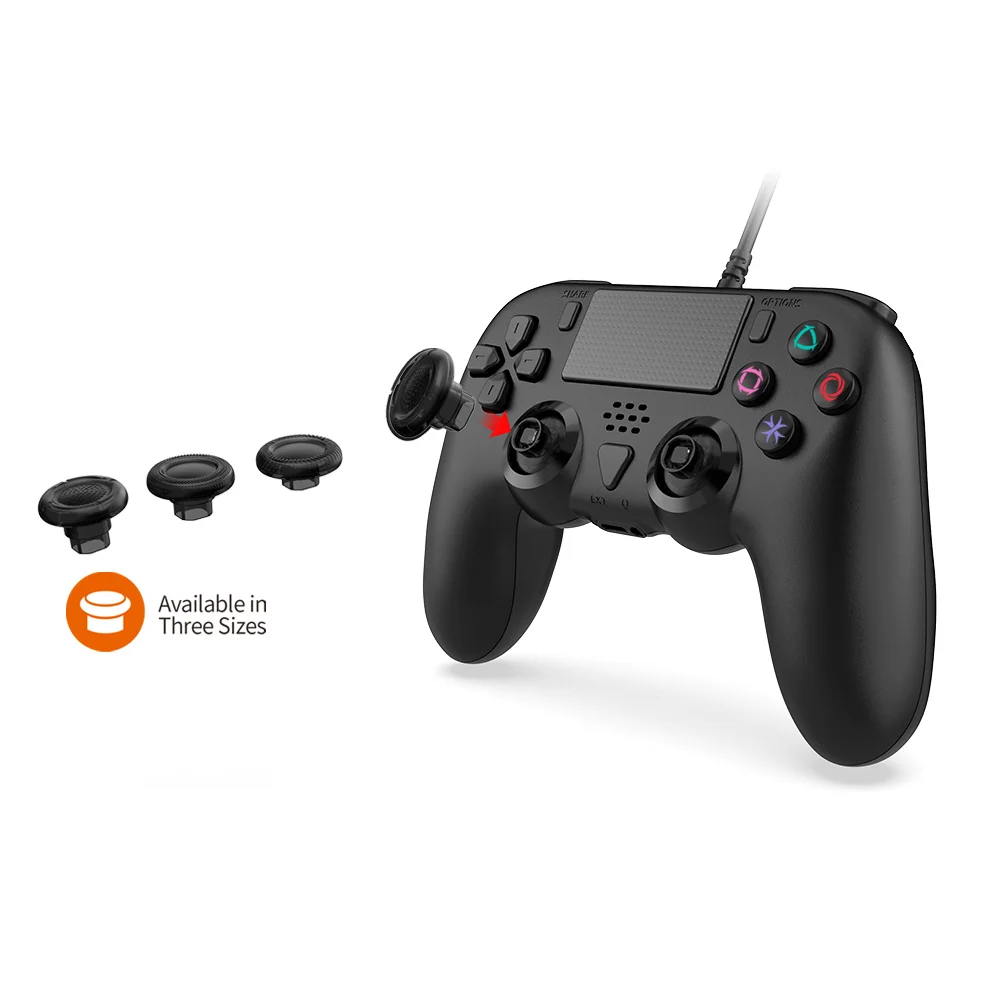
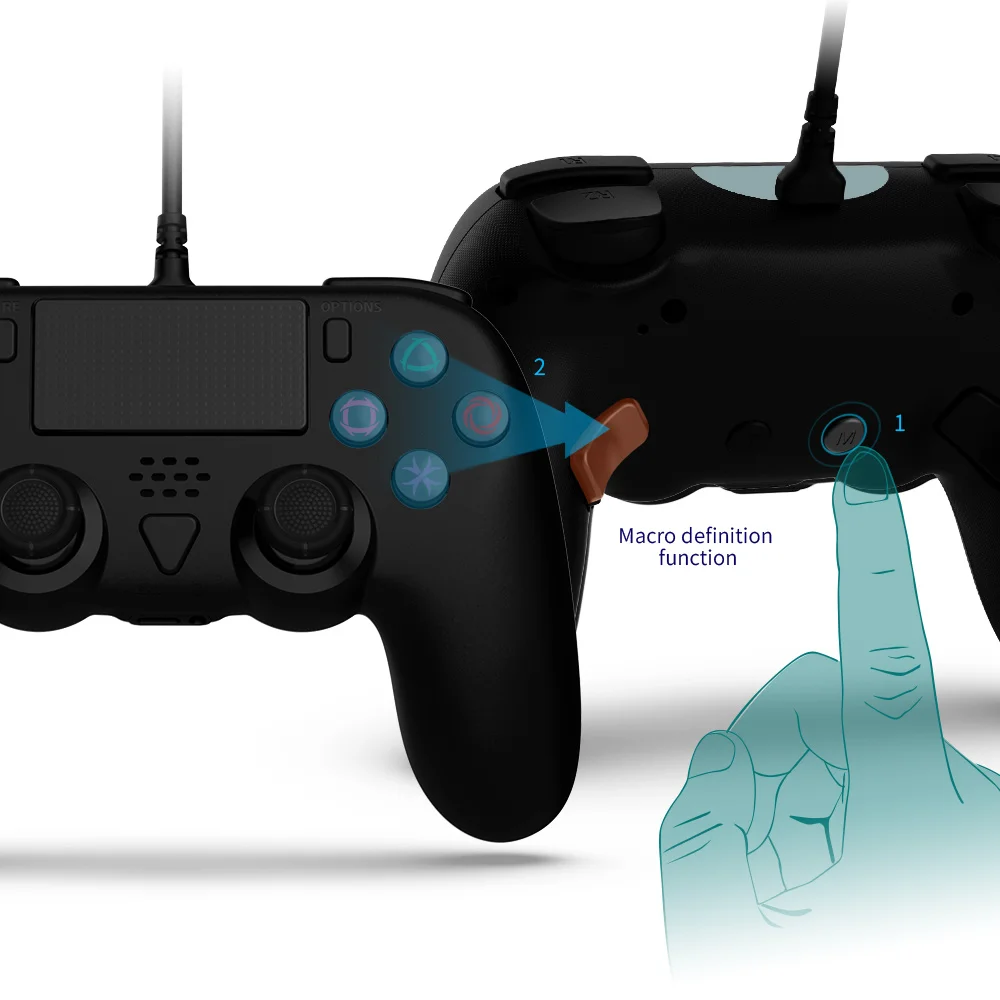
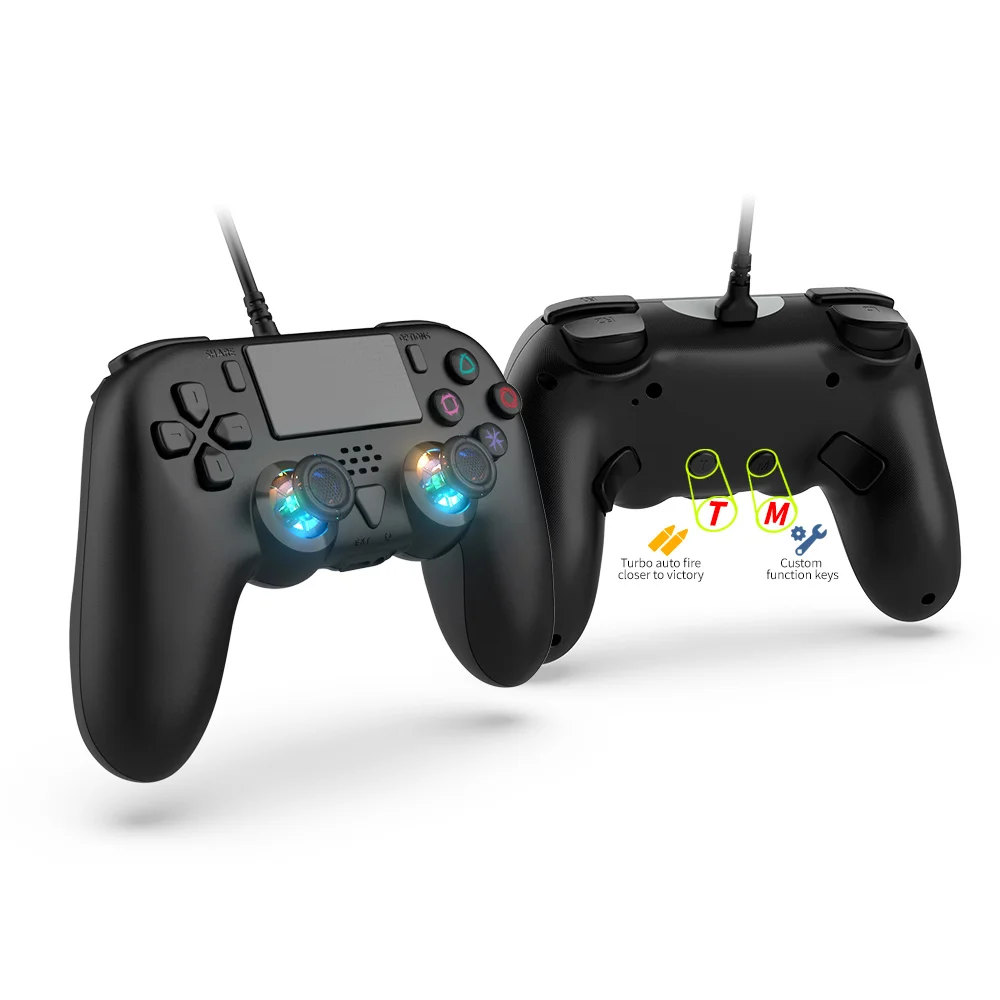
Materials
Materials
Shipping & Returns
Shipping & Returns
Dimensions
Dimensions
Care Instructions
Care Instructions


-
Spedizione
Tutti i nostri prodotti verranno spediti con corriere espresso in un arco temporale che varia dalle 24 alle 48h, eccetto cause di forza maggiore. Incluso nella spedizione è offerto un servizio di tracking e assicurazione.